
February 6, 2023
Indoor Pan & Tilt Camera: How do I control the camera direction?
1. Open the app and tap on the Indoor Pan & Tilt Camera.
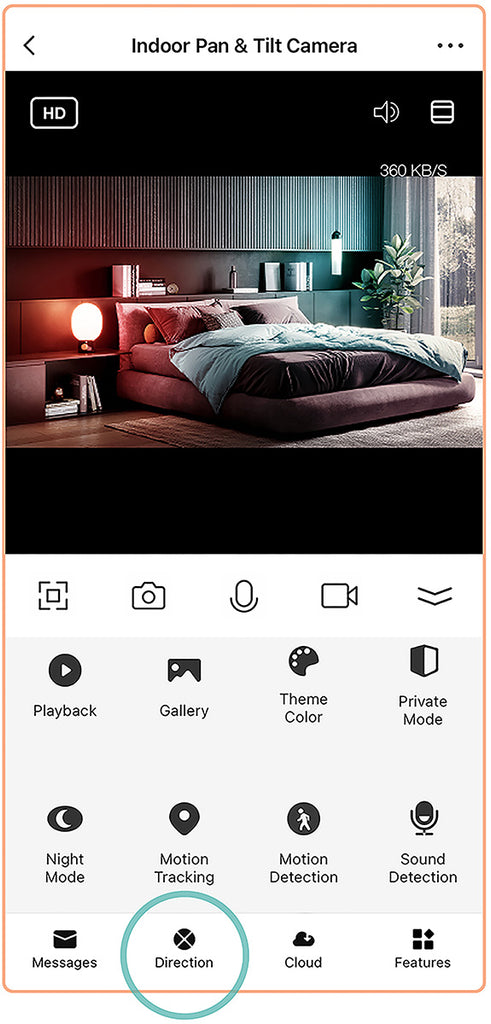
2. Tap Direction. Swipe to rotate and set your camera direction.
1. Open the app and tap on the Indoor Pan & Tilt Camera.
2. Tap Direction. Swipe to rotate and set your camera direction.